
Description
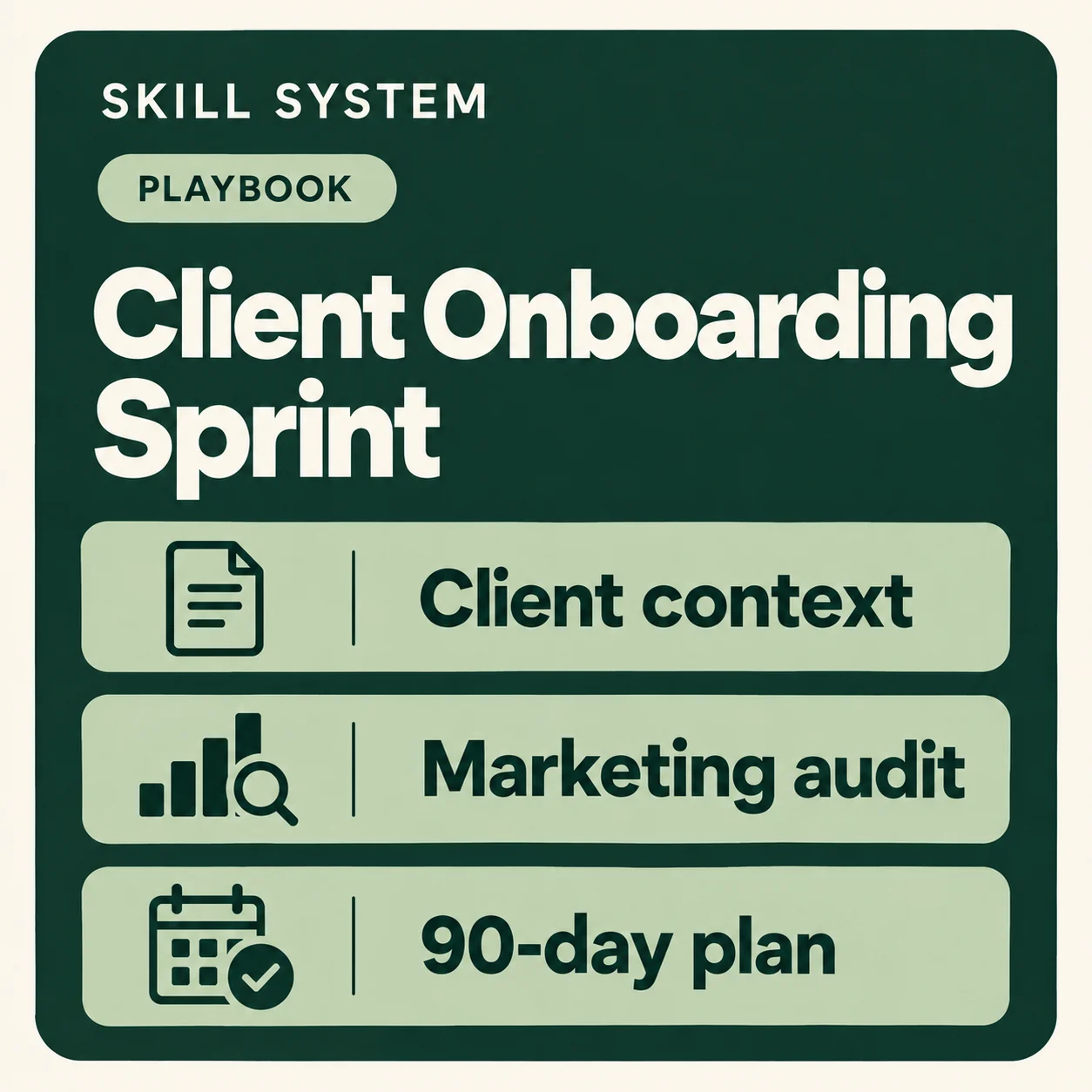
Takes a new client from nothing to a presentable ninety-day plan: their own context files, an audit of where they actually are, and a plan sequenced by what you are allowed to decide — with the decisions recorded as you go.
Required skills — own these before purchasing
This standalone playbook coordinates other skills. You should already own and install every skill listed below. They are not included with this playbook purchase.
- Client Workspace Setup (
client-workspace-setup) - OS Setup (
os-setup) - Marketing Audit (
marketing-audit) - 30-60-90 Plan (
30-60-90-plan) - Decision Log (
decision-log)
The Pro bundle includes this playbook and all of its required skills.
How to launch
- Install this playbook using the instructions supplied for your platform. Open the workspace or conversation for the company you want to work on.
- Confirm that the required skills listed above are installed before starting the playbook.
- Ask your assistant to use
client-onboarding-sprint. For example, saynew client onboarding
oronboard this client
. - Follow the playbook’s opening questions and provide the requested company context or files. Keep each client’s context separate.
Work through the stages in order and complete the checkpoints before continuing.
Review any proposed changes before approving them. If your assistant cannot save files, save the complete replacement files it provides.
Included in bundles
Pro.


Reviews
There are no reviews yet.