
Description
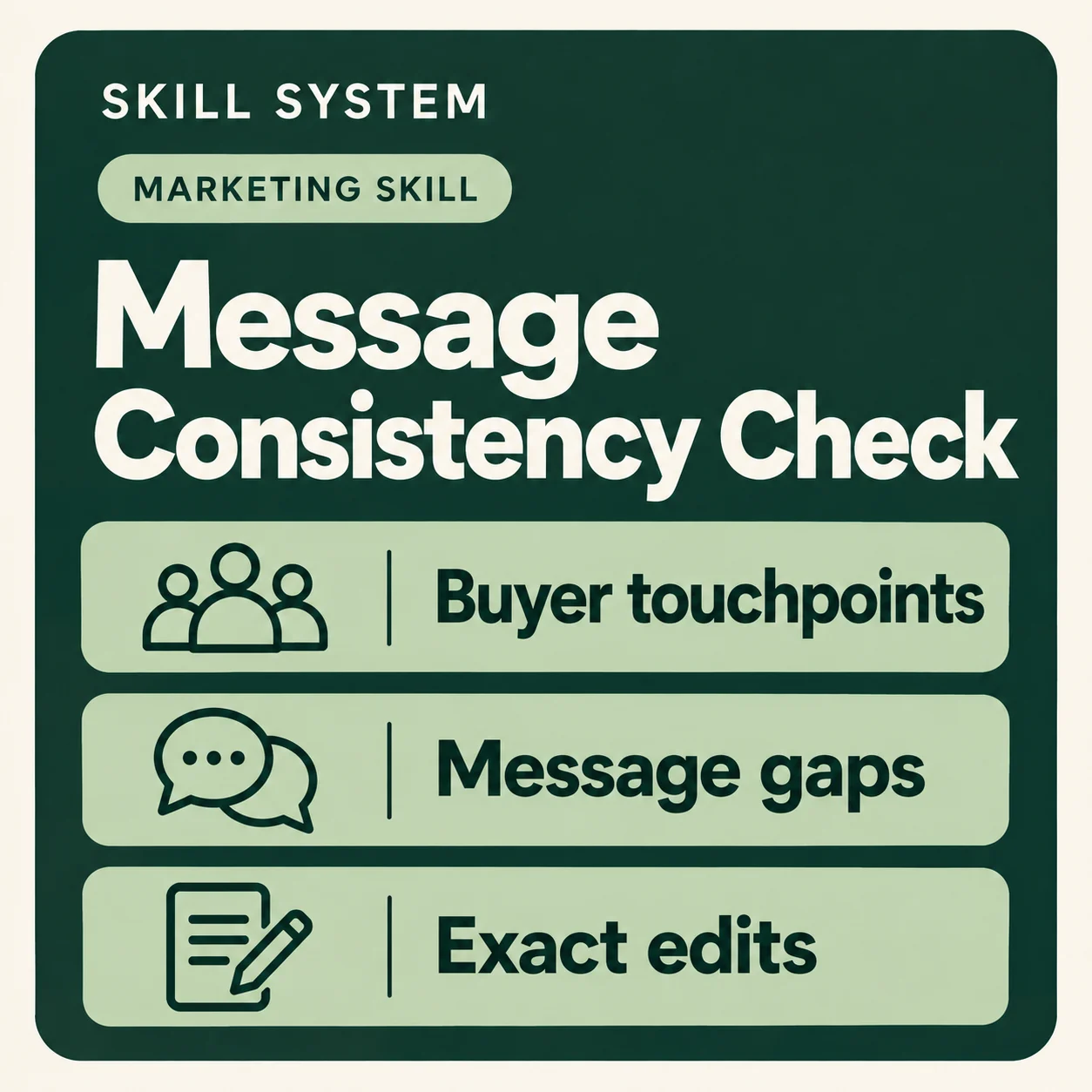
Reads everything a buyer can see — the website, the deck, the one-pagers, the emails, the ads — against the wording the company agreed, and reports where two surfaces say different things, which ones matter, and the exact edit for each.
How to launch
- Install this skill using the instructions supplied for your platform. Open the workspace or conversation for the company you want to work on.
- Ask your assistant to use
message-consistency-check. For example, saydo our surfaces agree
orwhich pages still describe the old position
. - Follow the skill’s opening questions and provide the requested company context or files. Keep each client’s context separate.
Review any proposed changes before approving them. If your assistant cannot save files, save the complete replacement files it provides.
Included in bundles
Core and Pro.



Reviews
There are no reviews yet.